 Nook
Nook
A breathing app for a calmer day and bedtime.
When your mind won't stop, tell Nook. Talk or type on your iPhone and follow a voice-guided pause, or use the breathing exercises at your own pace. A small daily practice, not therapy.
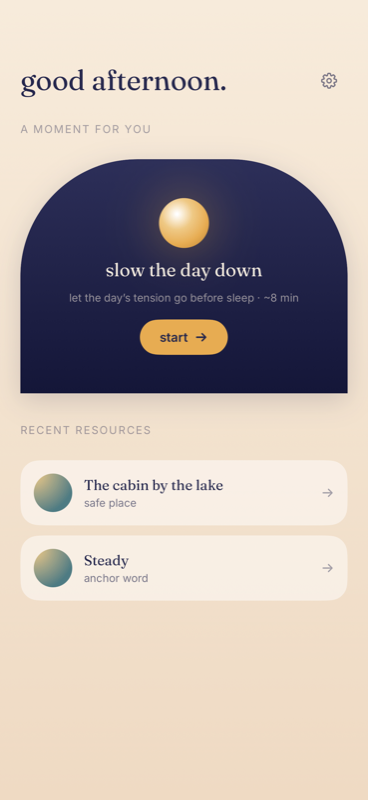
See a pause with Nook
A conversation, guided breathing and a gentle side-to-side rhythm. Explore this example at your own pace.
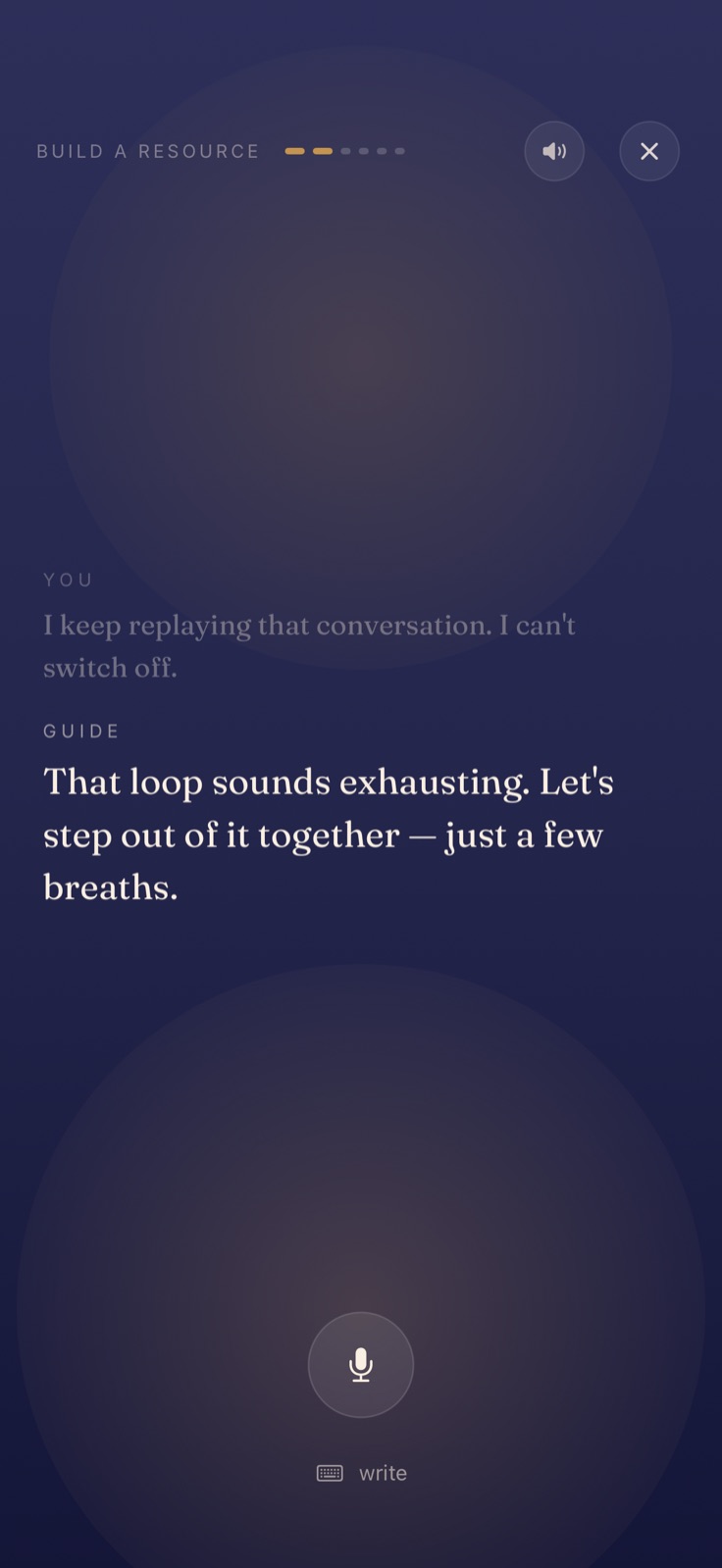
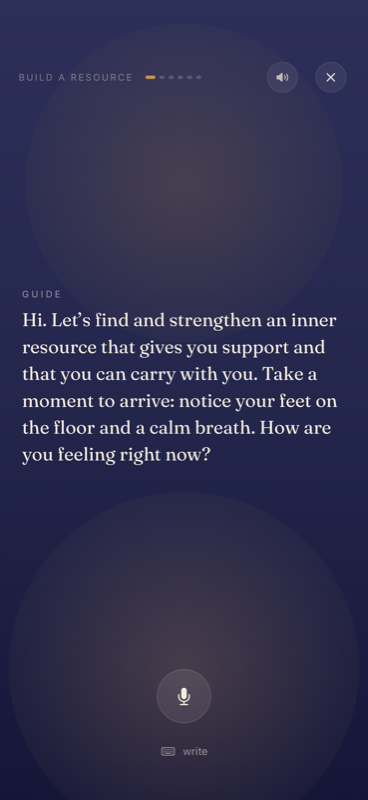
Share what is on your mind
You can speak or type. Here, someone is finding it hard to stop replaying a conversation.
Receive a suggestion
The guide responds to what they shared and offers a few slow breaths.
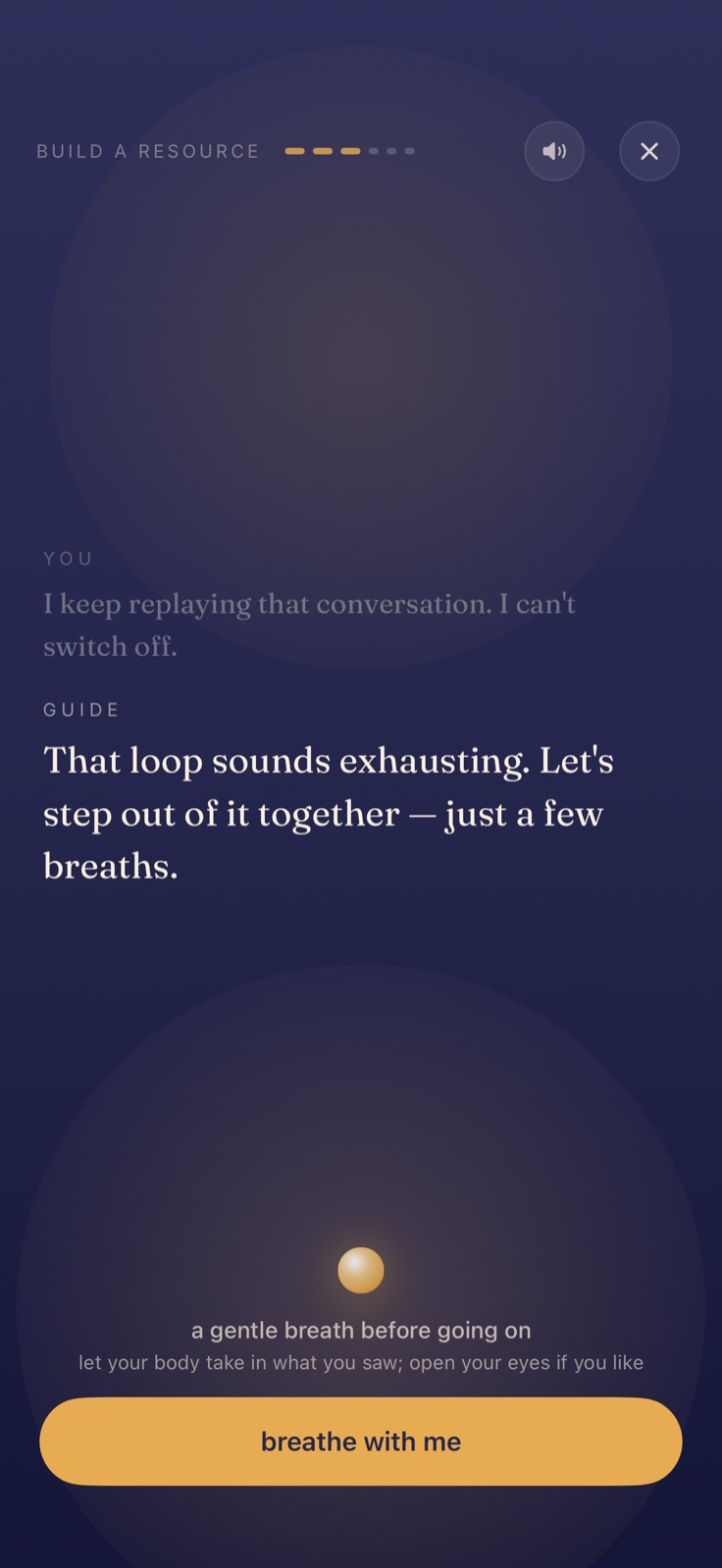
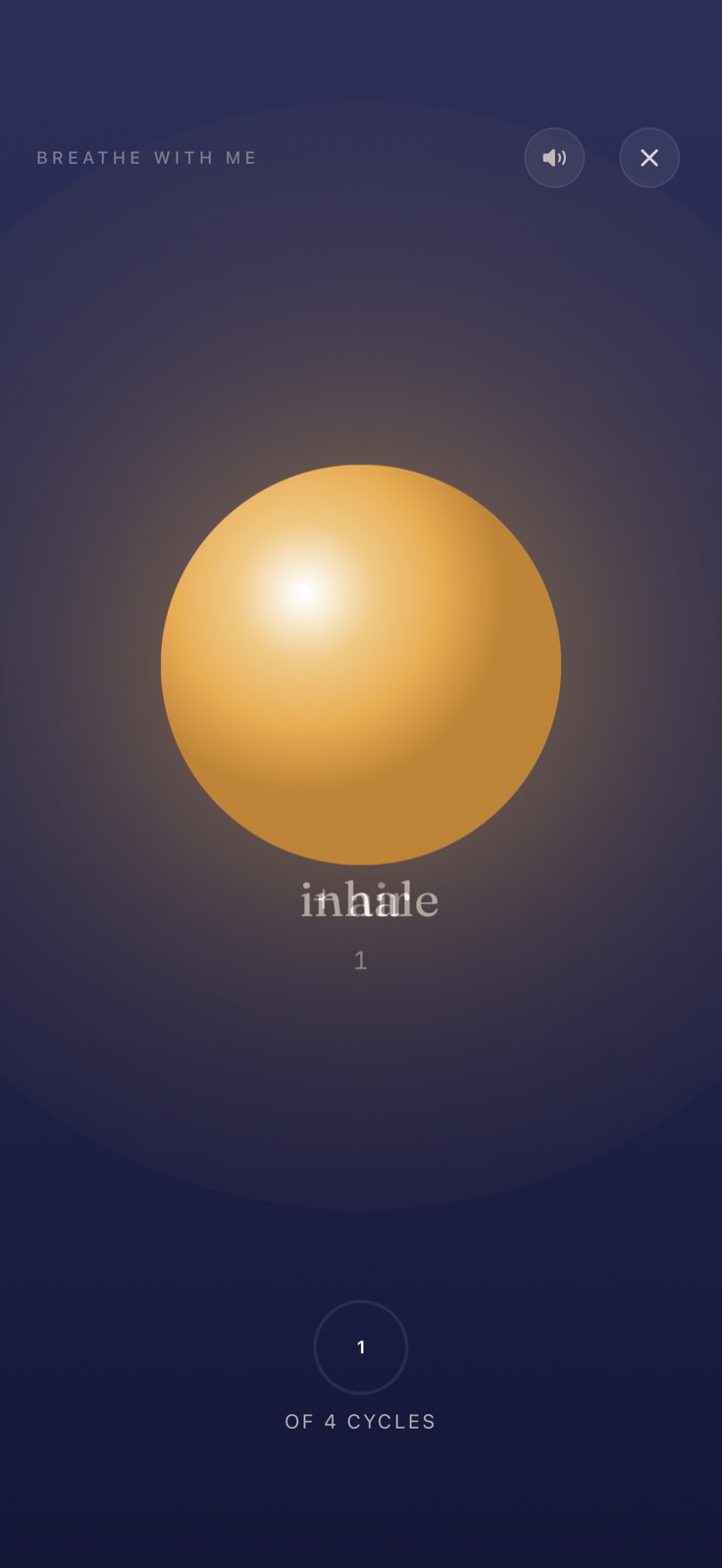
Follow the breathing
Accept the invitation to open guided breathing. You decide when to continue.
Side to side (BLS)
In the app, you can follow a light moving from side to side with your eyes. This is bilateral stimulation (BLS), another exercise the guide can suggest.
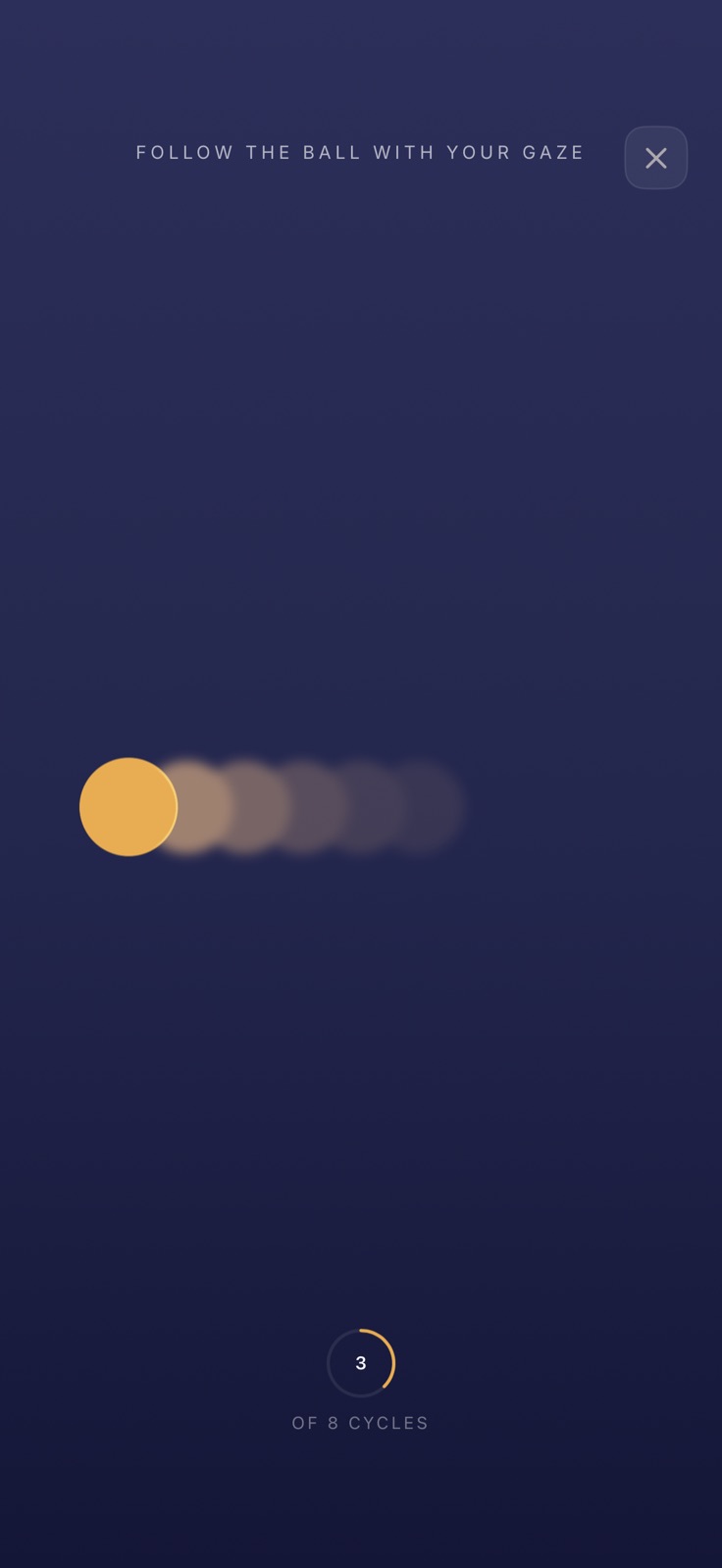
A visual walkthrough using example screens from the app. Each session’s responses can be different.
Try my free sessionOne guided session a day is free. No account needed.
How it works
Nothing to learn, nothing to prepare. Open the app, say how you are, and let yourself be carried.
Tell it how you are
By voice or keyboard, whatever feels easier. The voice listens and adapts to what you say — no scripts, no recordings.
It guides you, step by step
Slow breathing and a gentle side-to-side rhythm give your attention a quieter pace to follow.
Build your calm place
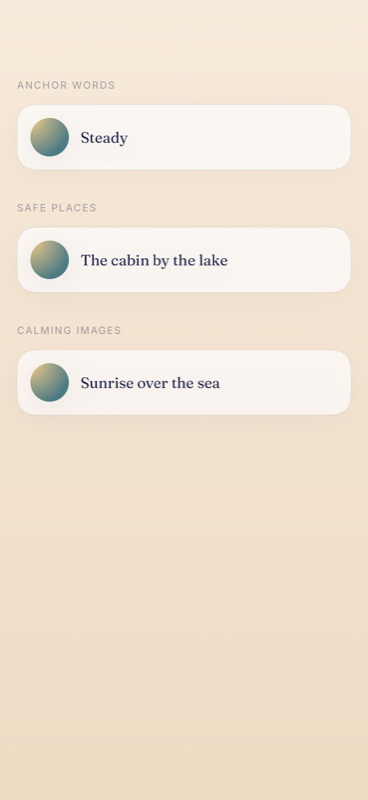
A memory that does you good, a word that's yours alone. When you finish, you take it with you as a short audio made from your own session.
A look inside
Calm guides
The things you ask us, told slowly and without jargon.
Frequently asked questions
Which iPhone app lets me talk about how I feel and follow guided breathing?
Nook lets you speak or type how you feel, then follow a voice-guided pause that responds to what you share. It combines slow breathing, gentle bilateral cues and personal calm resources on iPhone. It is a daily wellness practice, not therapy.
Which app can guide a short wind-down before bed?
Nook offers a calm voice and breathing exercises for a bedtime routine. You can talk, type or use the self-paced tools, depending on how much guidance you want. One guided session per day is free; the app cannot guarantee sleep.
What is gentle bilateral stimulation?
You let your attention move slowly from side to side. Nook offers this as a self-guided wellness exercise inspired by alternating cues also used within EMDR. It is not EMDR therapy and does not process traumatic memories. More on using it day to day →
Do I need an account?
No. Open Nook and begin without creating an account. Read the privacy policy for how voice and text are processed.
How much does it cost?
You get one free guided session every day, and the self-paced tools (breathing, bilateral calm) are always free. Nook Pro adds unlimited sessions and keeps your resources with you.
Does it help with sleep?
Nook includes a wind-down mode that uses a calm voice and slower breathing to support your bedtime routine. It cannot promise sleep or replace medical advice. See the routine →
Can I use Nook without speaking?
Yes. You can type how you feel instead of speaking. Nook also has self-paced breathing and bilateral exercises if you do not want a conversation.
Which breathing exercises can I choose?
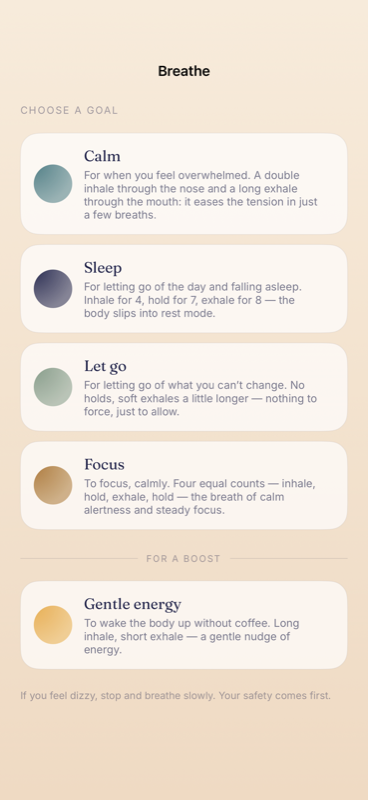
The Breathe screen offers Calm, Sleep, Let go, Focus and Gentle energy. Choose an option that feels comfortable; stop if you feel dizzy or unwell. For a bedtime routine, see the guide to winding down at night.
Is it therapy?
No. Nook is a wellness app, not EMDR therapy or treatment for anxiety, insomnia or trauma. Its bilateral exercise is not a way to process traumatic memories on your own. Seek professional help for persistent symptoms; use local emergency services in a crisis.
A quiet minute is waiting for you.
To sleep better, to catch your breath before something nerve-wracking, or to give yourself a pause in the middle of the day.
Download Nook free